TapHome to KNX#
Expose devices feature lets you use TapHome IO modules on its proprietary bus and make them visible / available inside ETS.
1. KNX Gateway#
In Hardware → TapHome Bus scan for the KNX Gateway device.
2. Add KNX interface to Expose Devices#
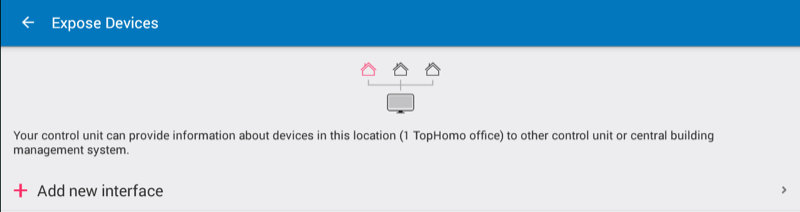
In Setting choose Expose devices and click Add new interface:
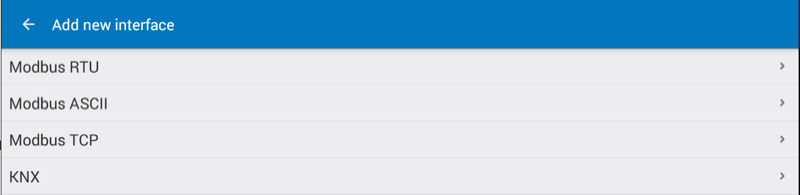
Select KNX from interface list:
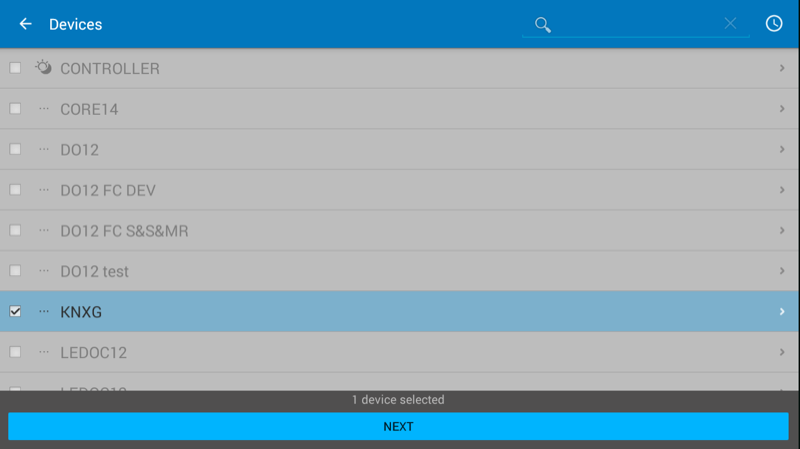
Return to Expose interfaces and click on KNX. Select KNX Gateway and choose the KNXG device from the list and click next:
3. Add devices to KNX Expose Devices Interface#
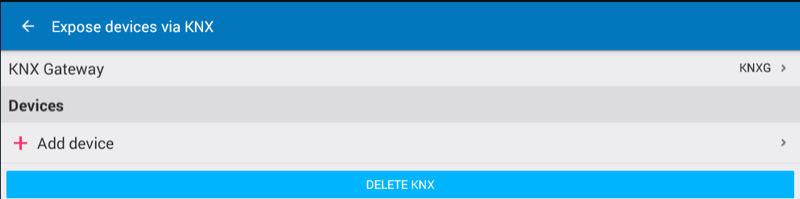
When the KNX interface is defined you can click on Add device:
Choose from list of device and click Next:
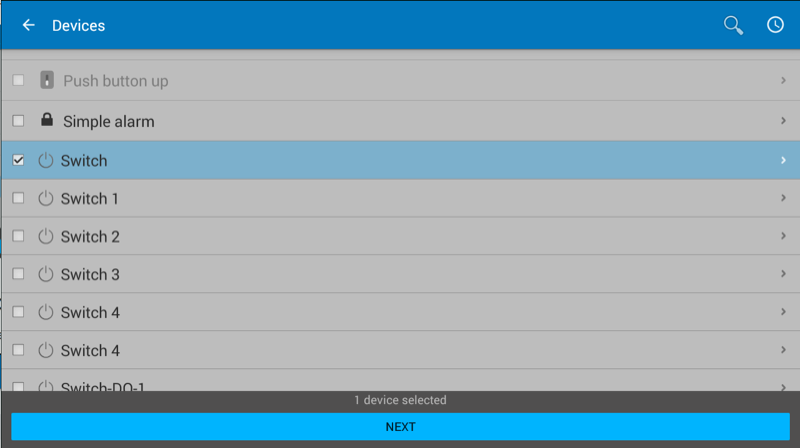
Select the new exposed device and fill the parameters defined in ETS for changing data between TapHome bus and KNX bus:
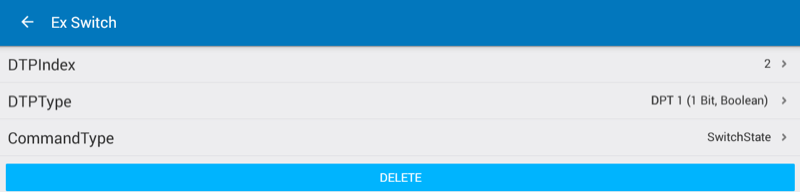
DTPIndex is the data point number, DTPType is the data point type. CommandType defines the TapHome device action which has to be exposed to KNX bus.