Home Assistant Integration#
Overview#
The TapHome integration enables control of exposed devices through Home Assistant, utilizing the TapHome API for communication.
Supported Device Categories#
Lighting Control
- Power switching
- Intensity/brightness adjustment
- Color modification capabilities
Switching Devices
- Electrical sockets
- Digital output controls
Shading Systems
- Position level control
- Slat angle adjustment for blinds
Additional Devices
- Garage door operators
- Temperature and humidity sensors
- TapHome variables
- Motion detectors
- Energy consumption monitors
- Light level sensors
- CO2 detectors
- Wind speed meters
Installation Methods#
HACS Installation#
Users can install via HACS using the following method:
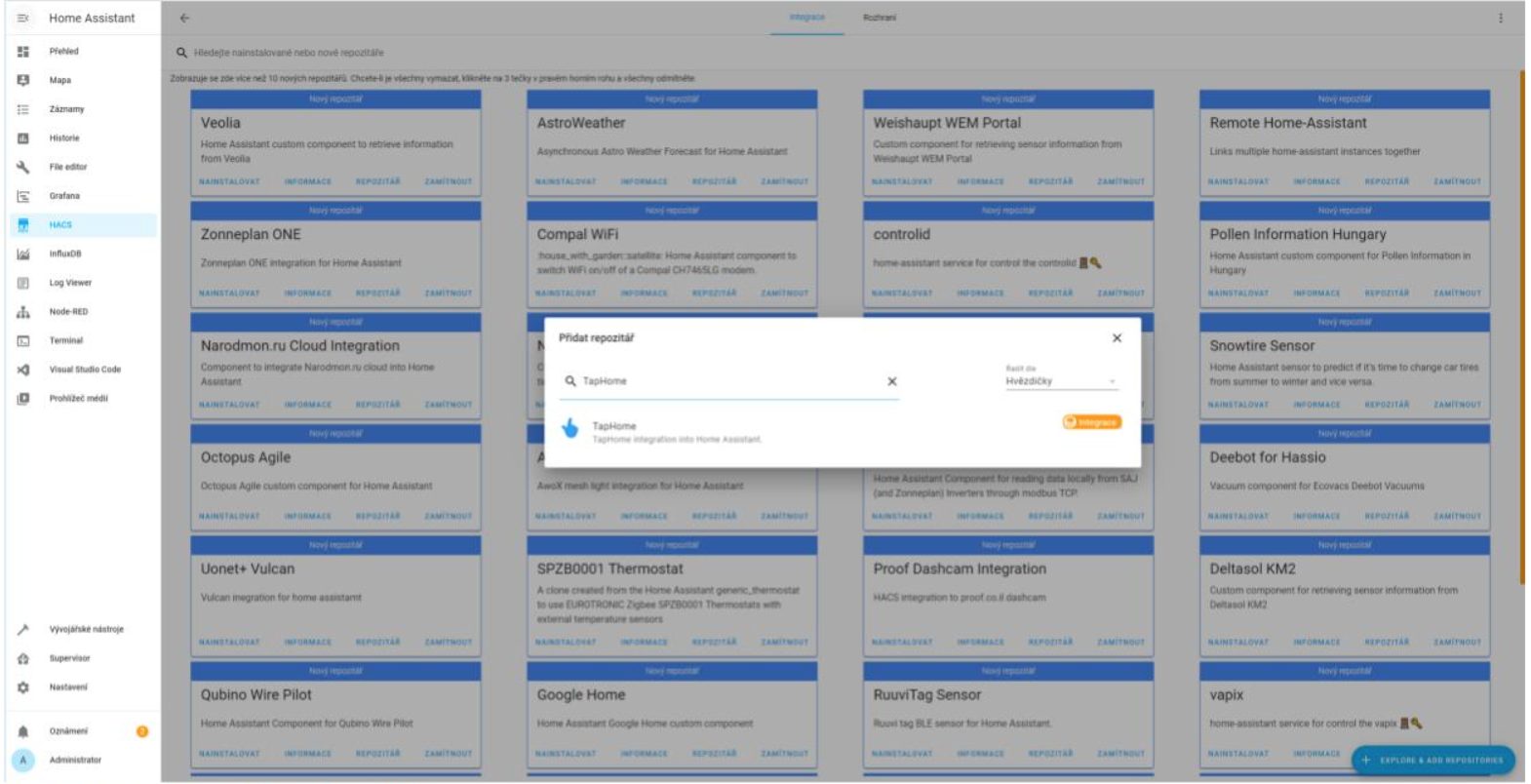
Navigate to “HACS > Integration > Explore & Add Repository > TapHome > Install Repository”
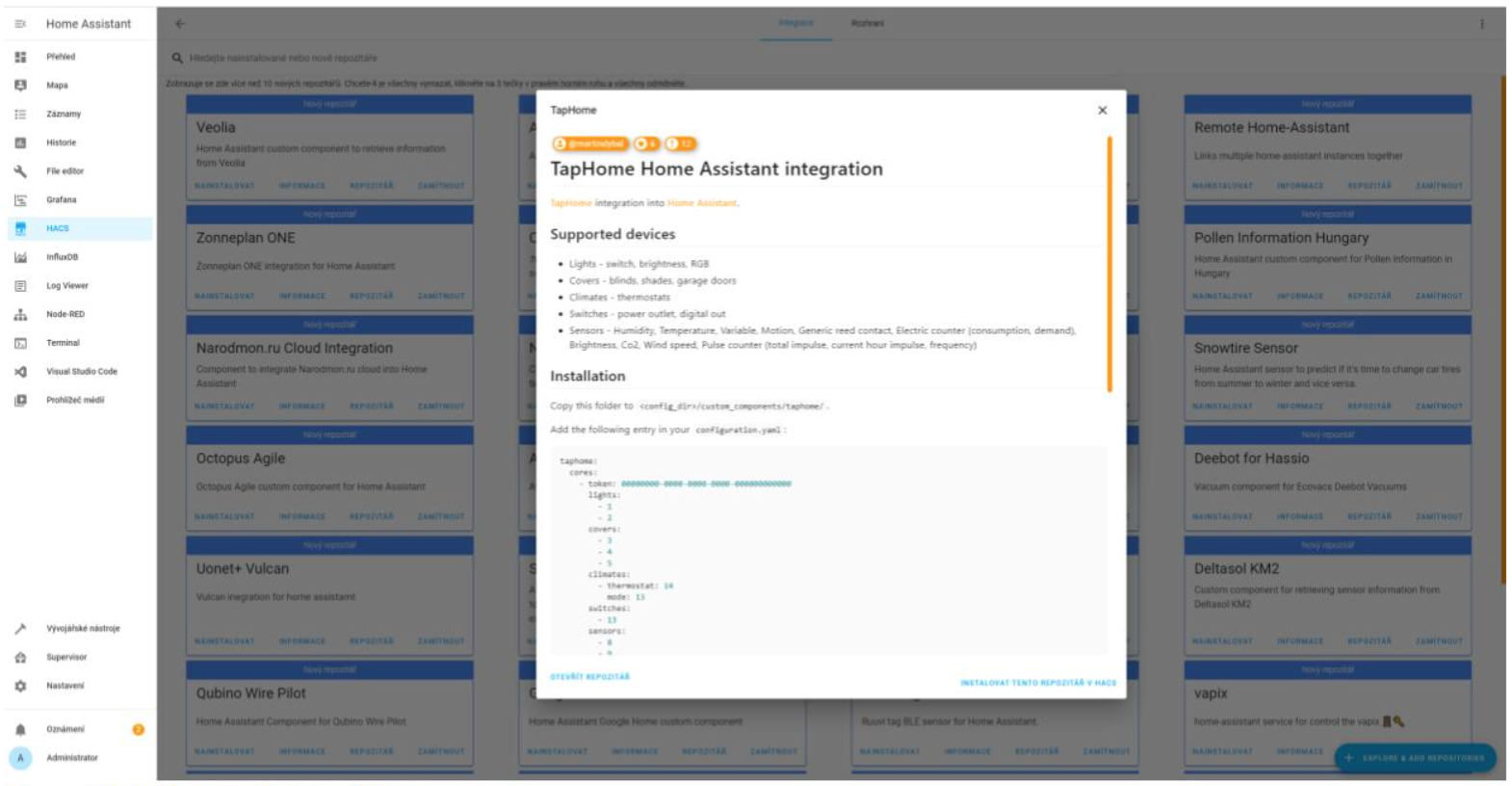
Manual Setup Alternative#
Alternatively, you can manually transfer the /custom_components/taphome/ directory contents from the repository to the designated folder location.
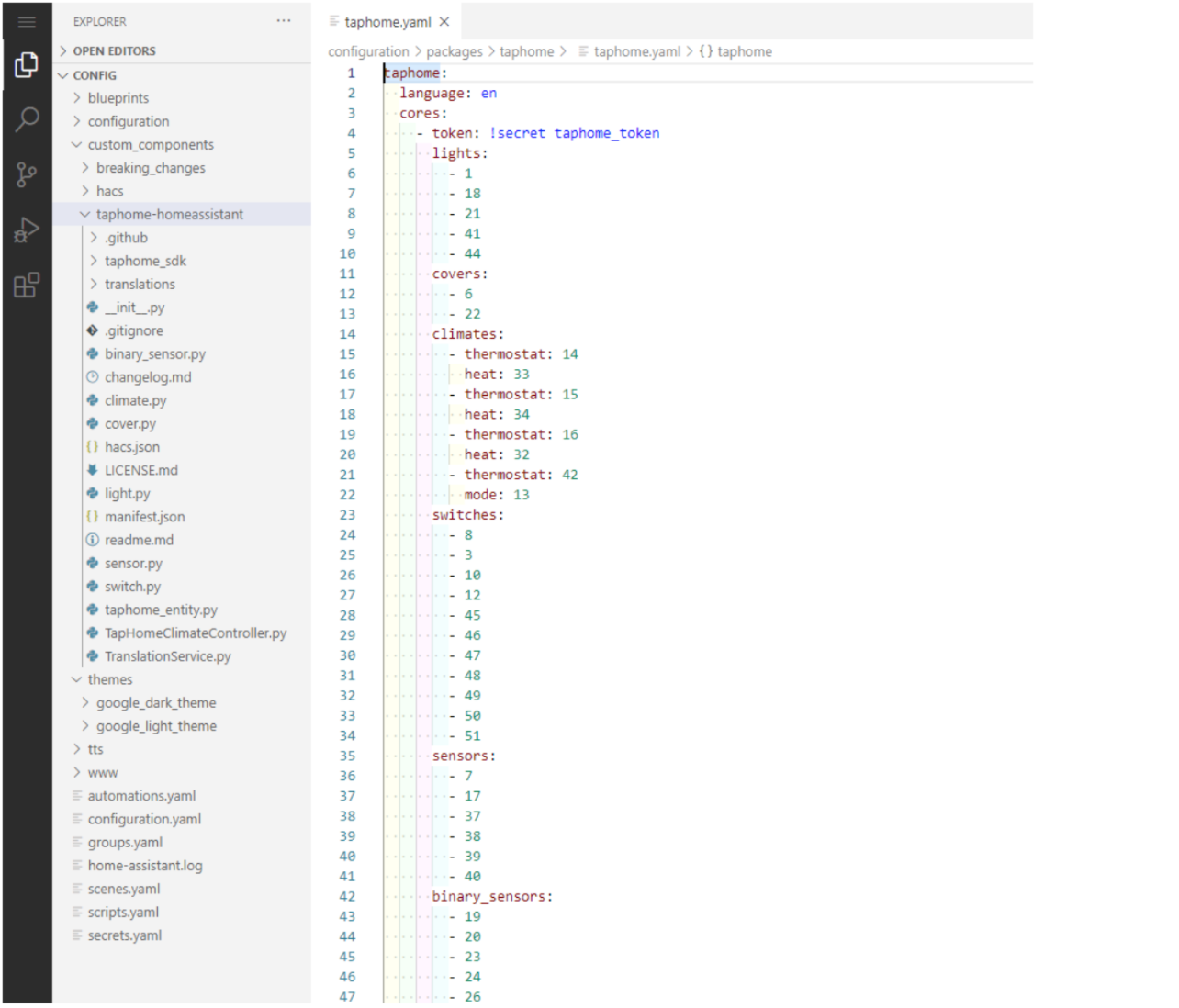
Configuration Requirements#
To enable integration, users must:
- Expose devices through TapHome API
- Obtain the device token and ID
- Add credentials to Home Assistant configuration settings
For detailed configuration instructions, refer to the project’s wiki documentation.