MQTT Broker is a service for managing MQTT communication between devices. The Broker can be run on an external machine or directly on the TapHome controller.
How to activate MQTT Broker in TapHome#
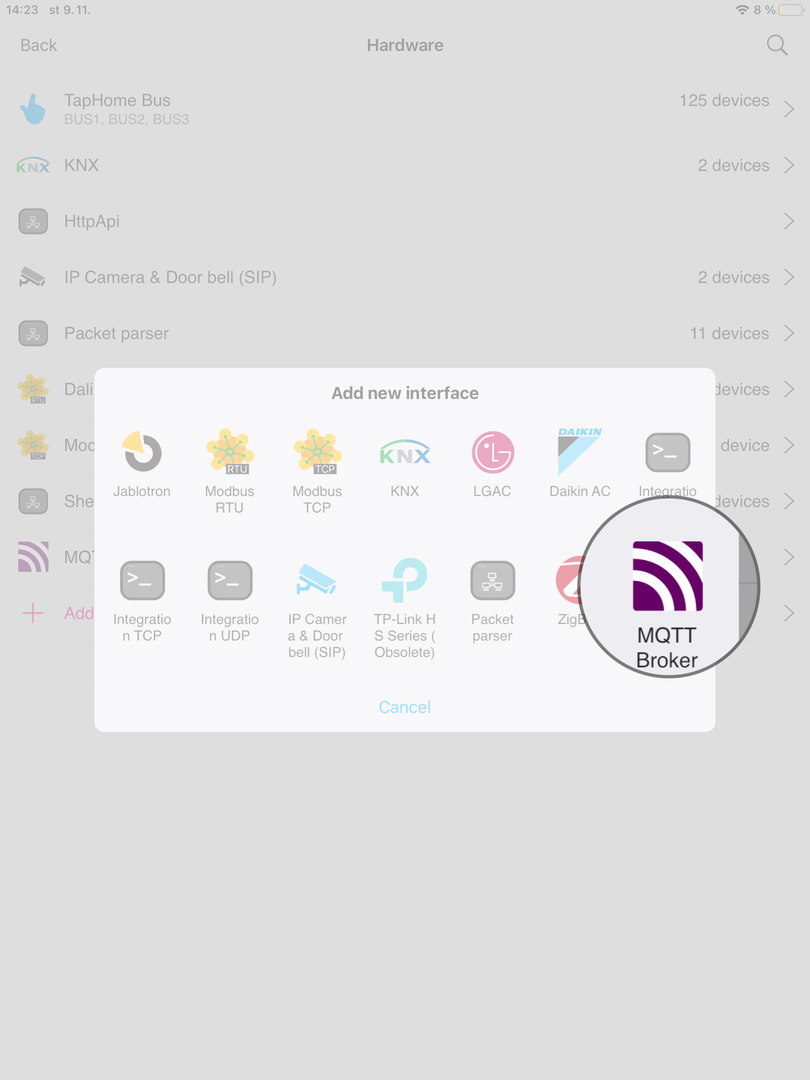
- Go to Settings -> Hardware and then select MQTT Broker.
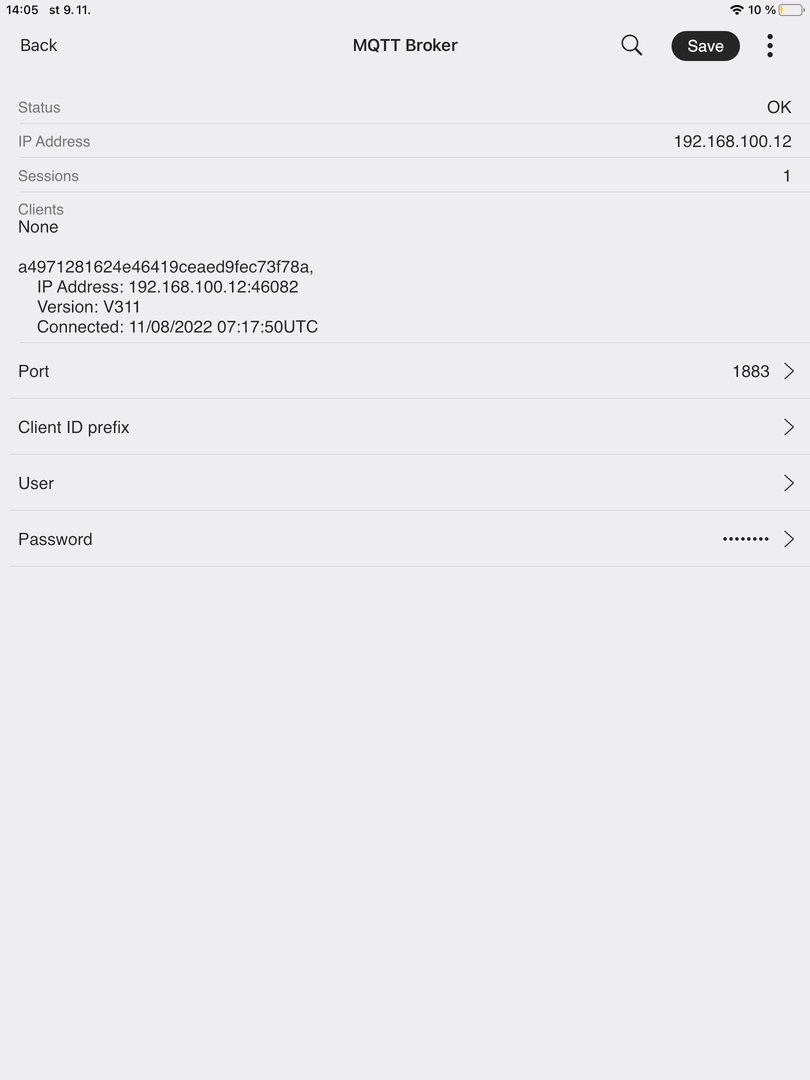
- In the MQTT Broker settings, the user can enter information such as port number, client ID prefix, user, and password.
- After entering this information and saving the settings, the MQTT Broker is ready for use. The MQTT communication configuration is defined in Hardware -> Packet parser.