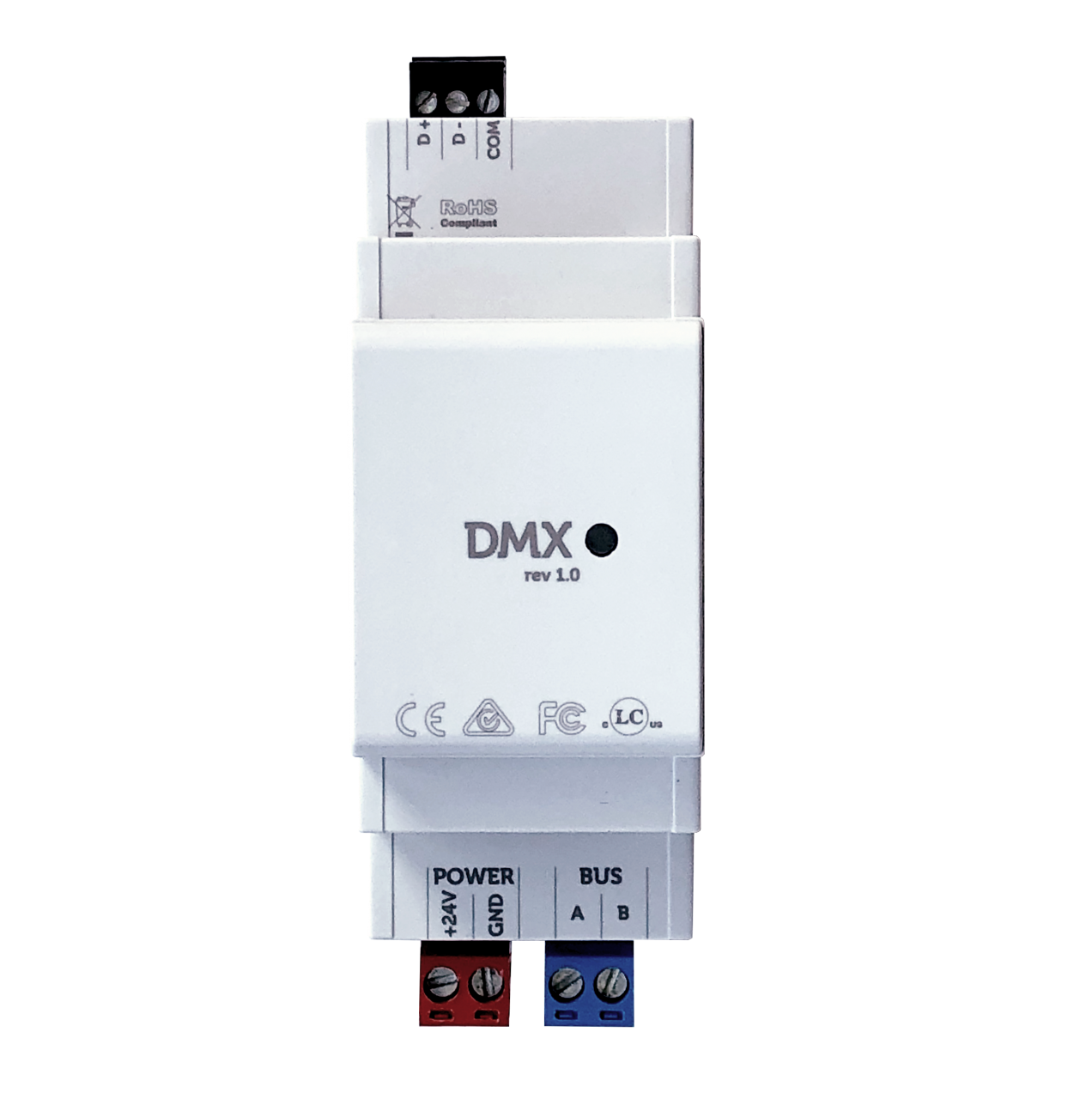
STEP 1: Connect DMX Gateway#
Connect the DMX Gateway to any TapHome BUS terminal. It can be at the terminal along with other TapHome modules.
STEP 2: Set up DMX Gateway within TapHome application#
2a) Make sure that terminal is linked to TapHomeBus CCU within the Hardware settings page

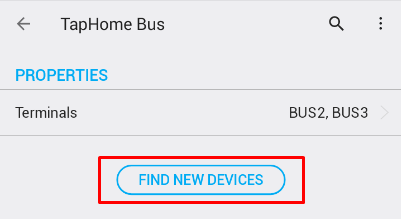
2b) Start ‘Find new devices’ scan within TapHome Bus settings page
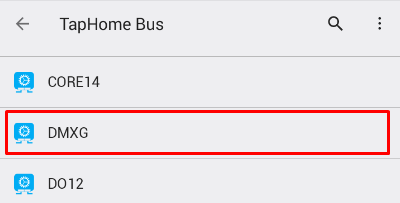
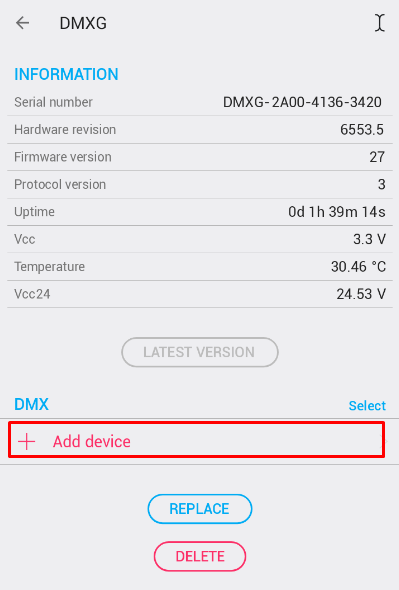
2c) After successful scan open DMXG device within TapHome Bus settings page
2d) Use “+ Add device” to add new DMX device
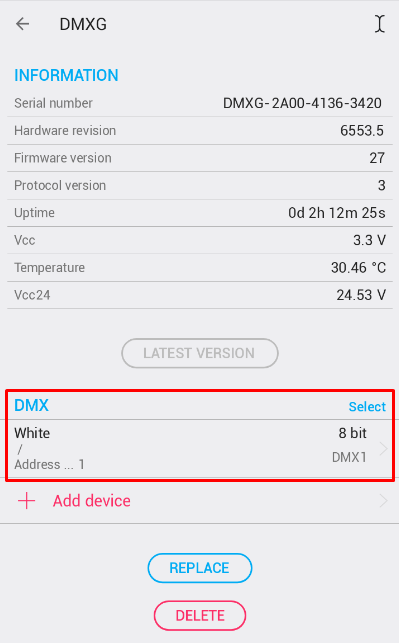
2e) The result